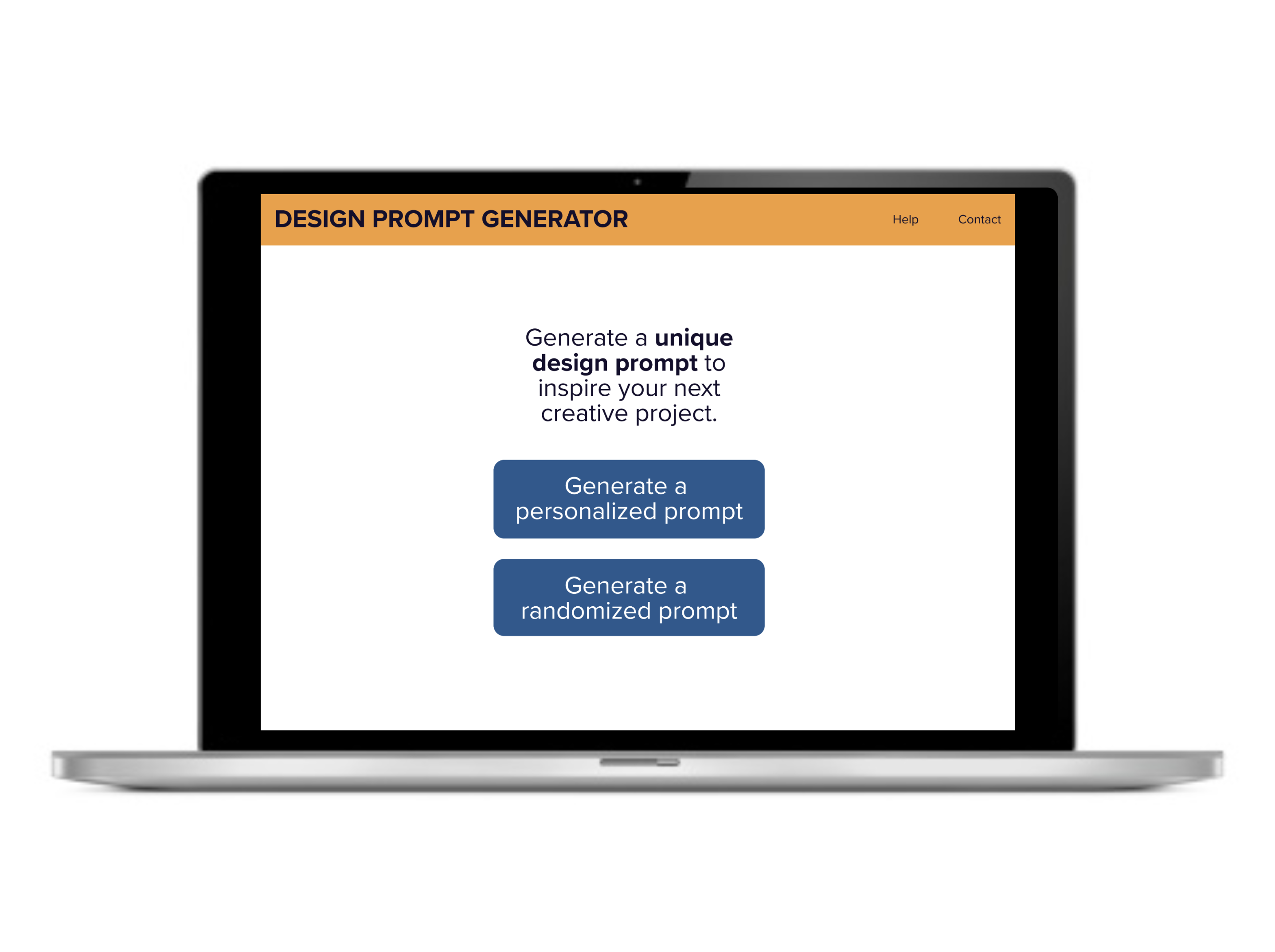
Project Overview
Problem
Educators in my local community wanted to quickly generate design prompts for their classroom or out-of-school workshops, but didn’t have access to an affordable tool that could generate prompts for a wide variety of content areas (e.g., art, engineering, math, etc.).
Method
The entire process went from sketch to high-fidelity prototype in one month. This project used an iterative design cycle with multiple phases of research (i.e., moderated discovery interviews, unmoderated usability testing) and design (i.e., low-fidelity mockups, high-fidelity prototype). Several tools were used throughout the project, including Google Workspace, Zoom, Figma, Lookback, Material.io, Miro, and Zeplin.
Impact
Results from the final prototype showed usability increased by 12.5% for design app prototype.
My role
I personally completed each phase of the UX research and UI prototyping for this project. This included conducting a competitive analysis, facilitating discovery interview research, sketching mockups, creating a UI design library, designing Figma wireframes, conducting unmoderated usability, iterating the design, and presenting a readout to stakeholders.
Process Details
Market research
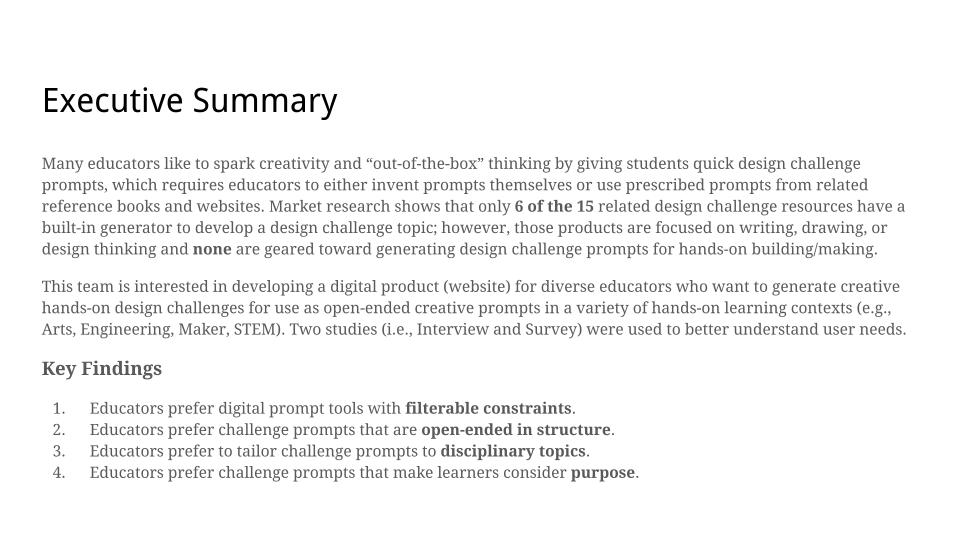
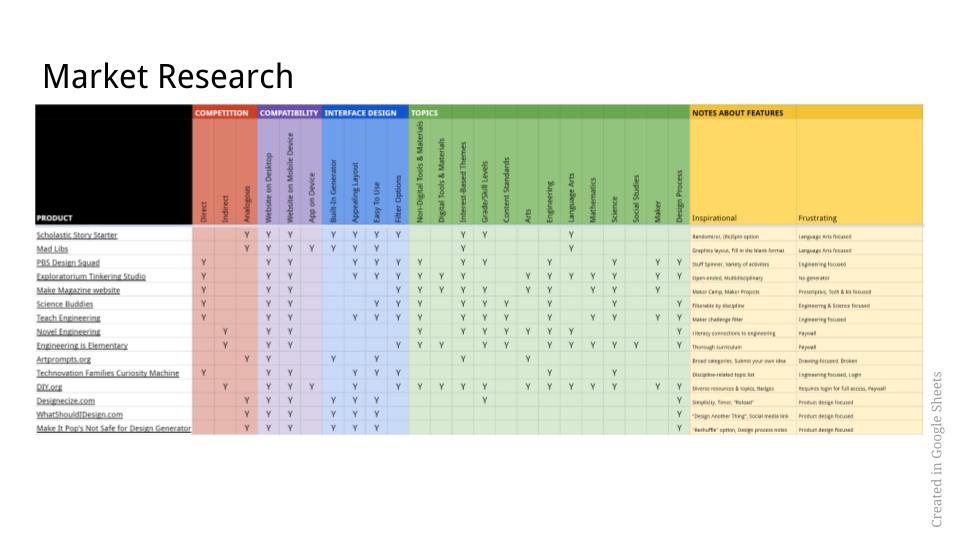
Competitive analysis of the market at the time showed that only 6 of the 15 related design challenge resources had a built-in generator to develop a design prompt. However, none of the products were geared toward generating design prompts for art, engineering, or other hands-on building/making contexts (i.e., existing products were focused on writing, drawing, or design thinking).
Discovery research
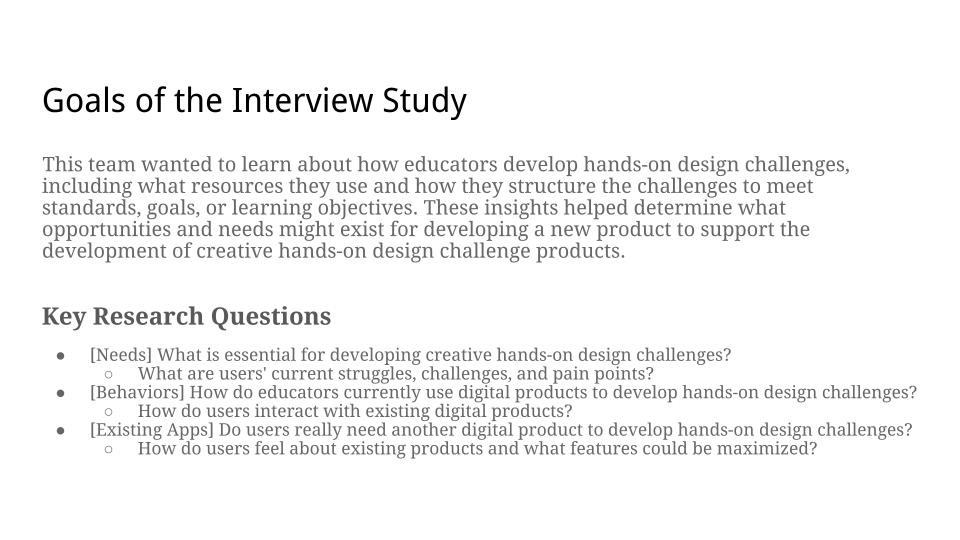
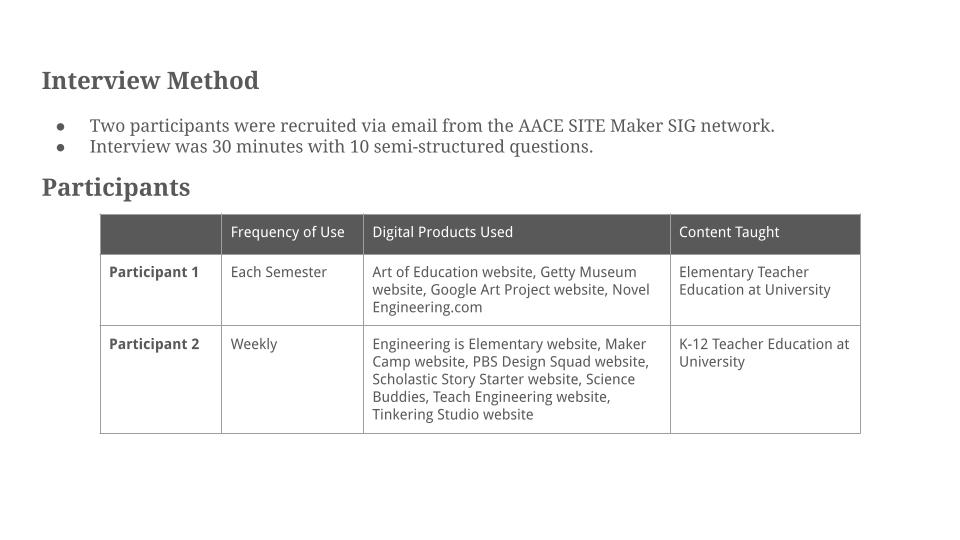
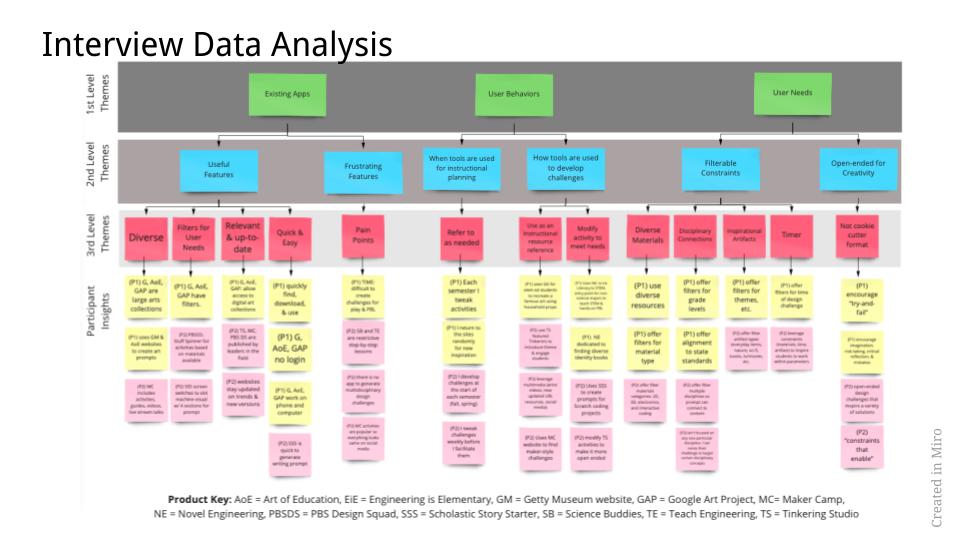
I started the project with two exploratory studies to better understand user needs, behaviors, and preferential use of existing products. Google Sheets and Miro were used to analyze the data.
A 30-minute semi-structured interview via Zoom with two participants identified two key findings:
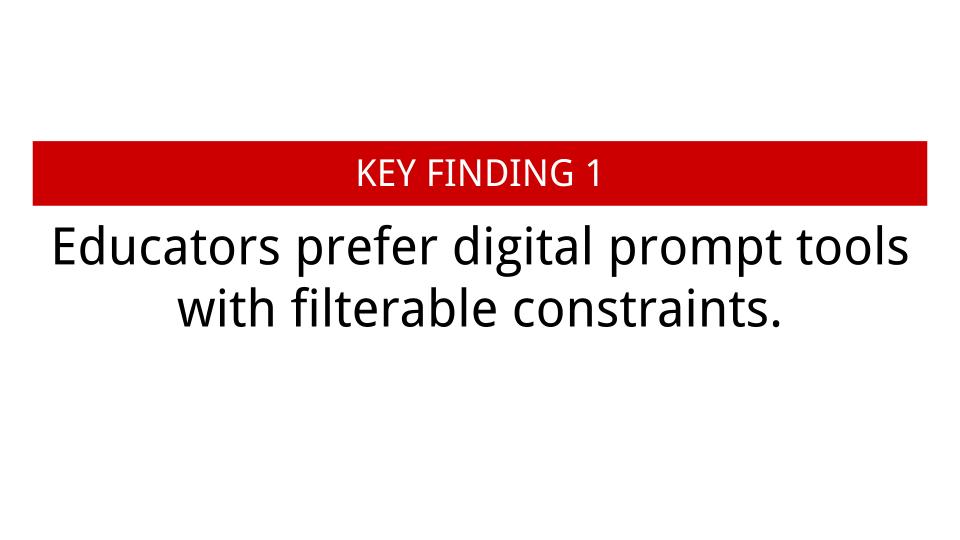
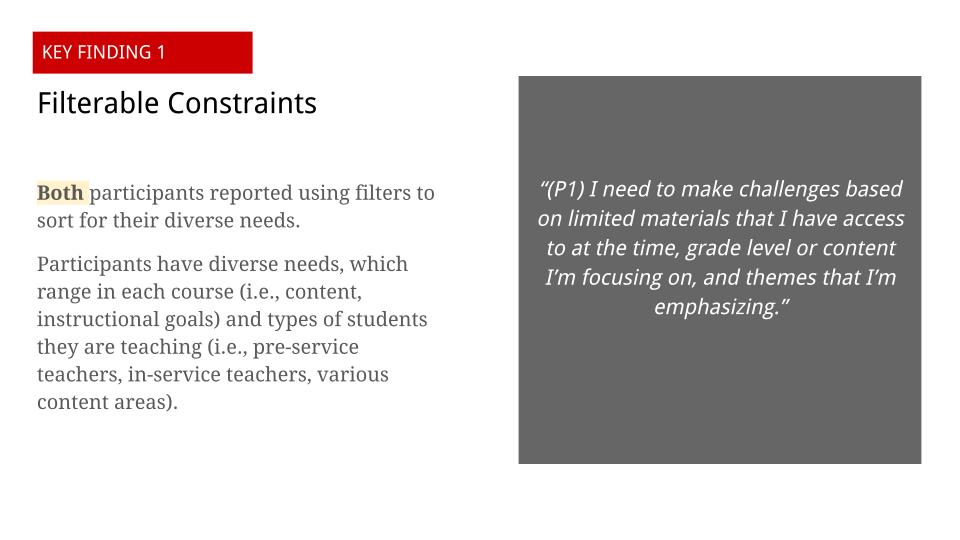
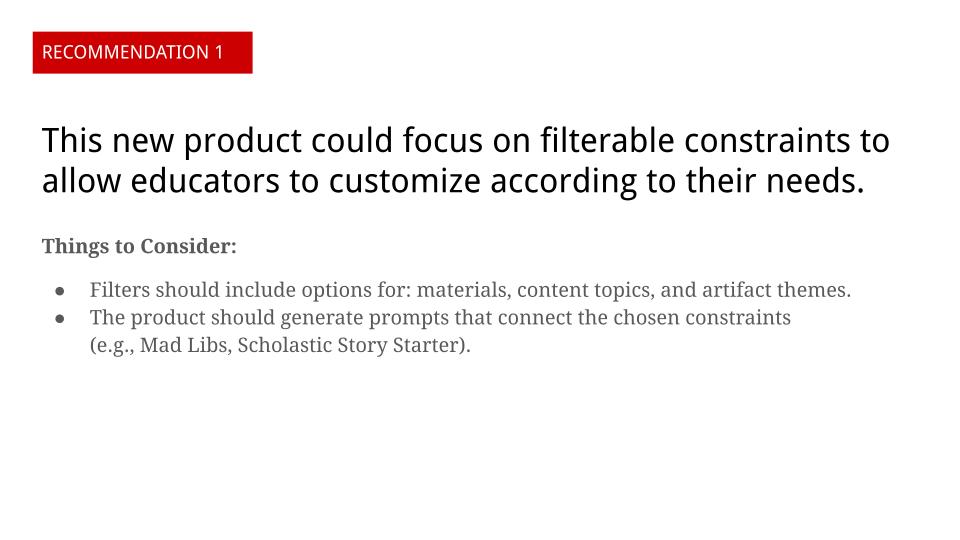
- Educators prefer digital prompt tools with filterable constraints.
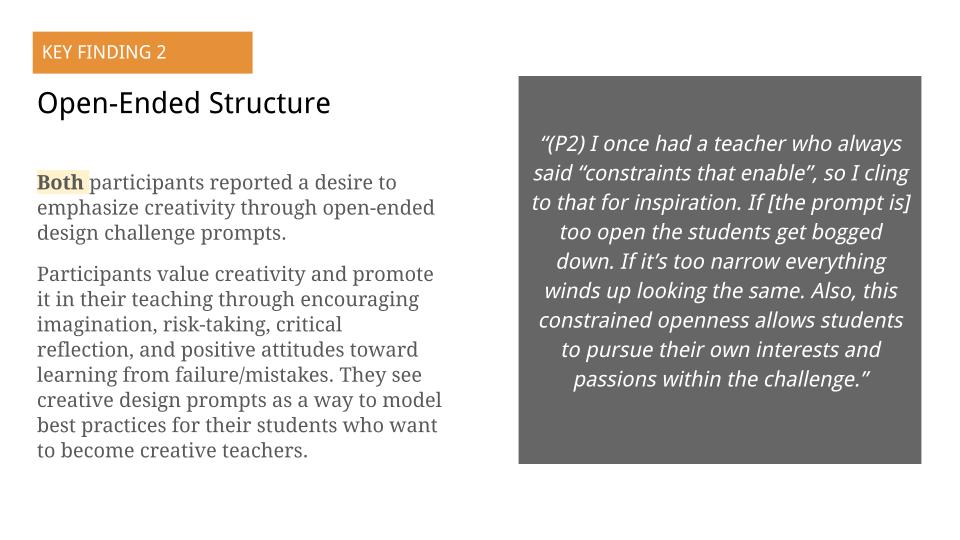
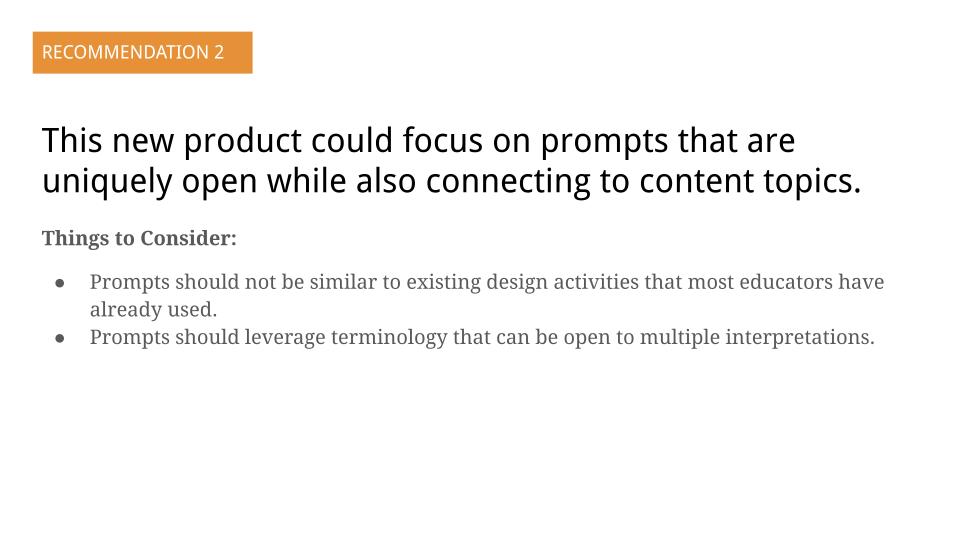
- Educators prefer challenge prompts that are open-ended in structure.
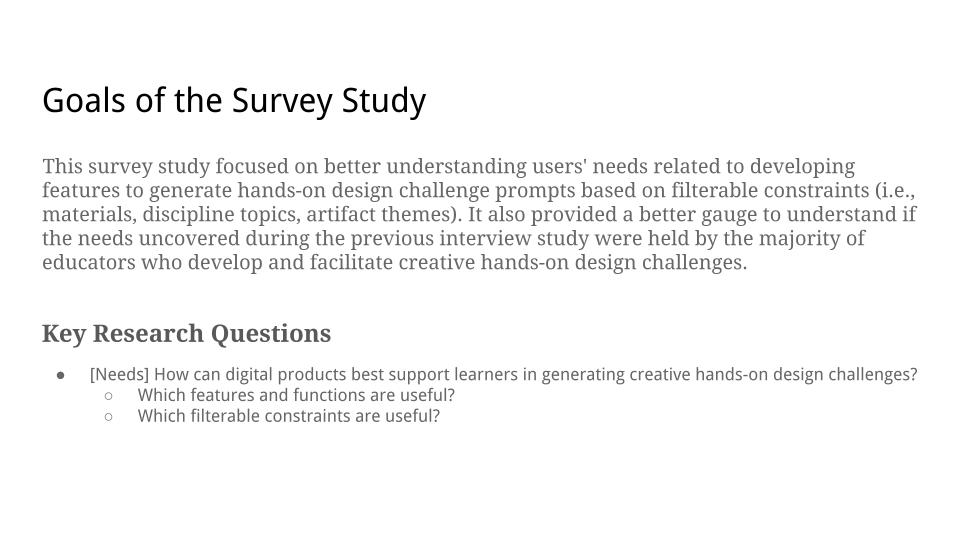
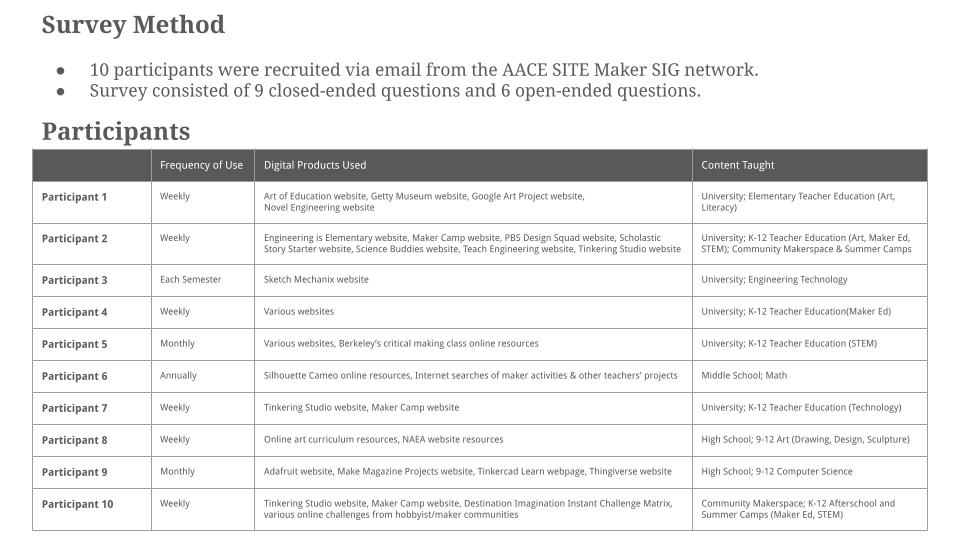
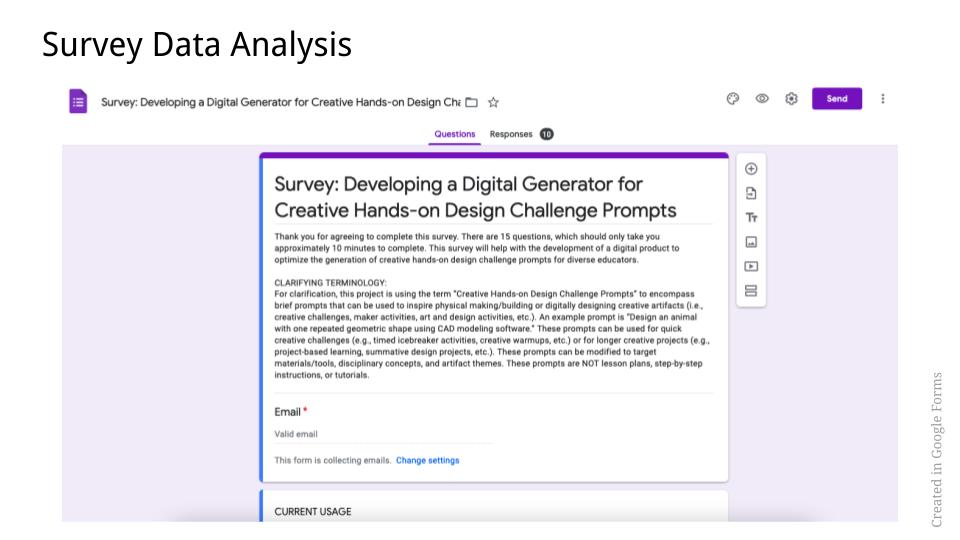
A survey using 15 closed-ended and open-ended questions via Google Forms with 10 participants identified two key findings:
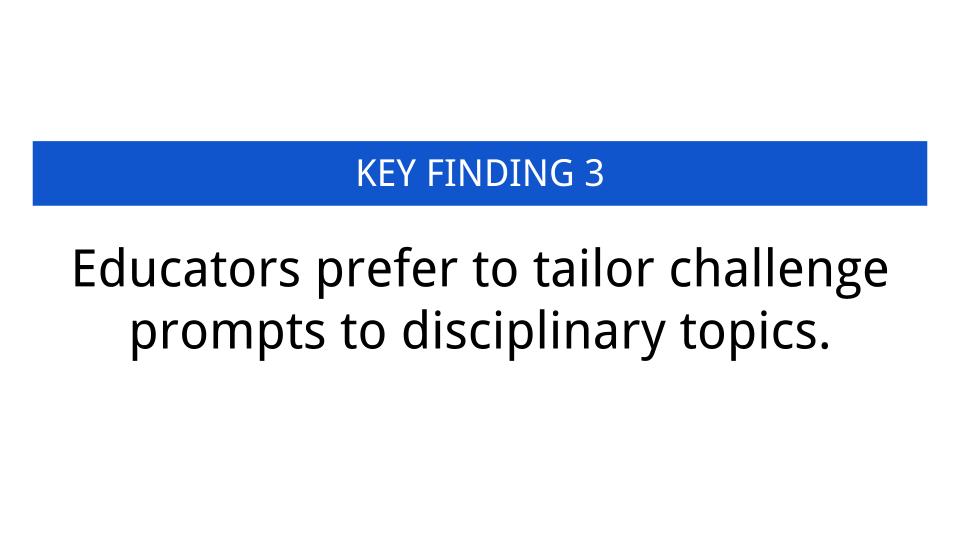
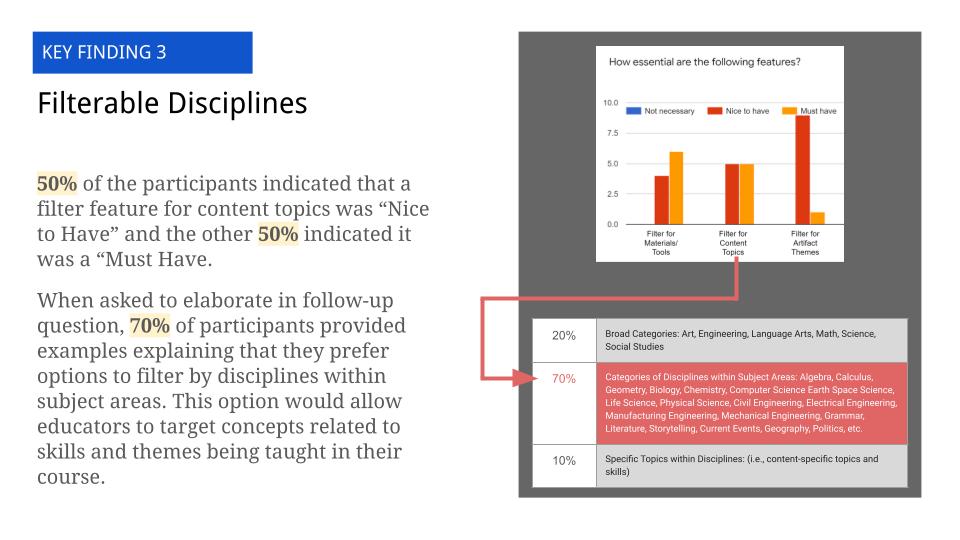
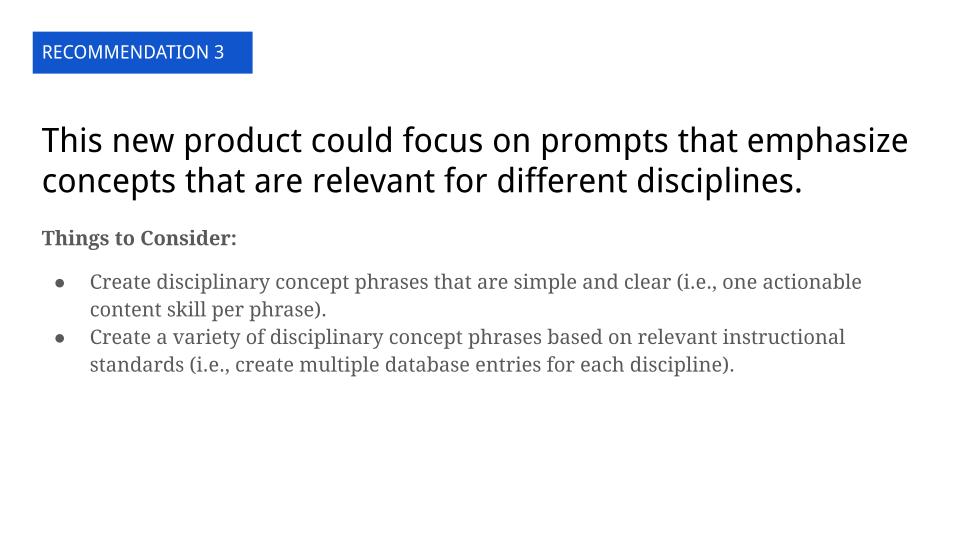
- Educators prefer to tailor challenge prompts to disciplinary topics.
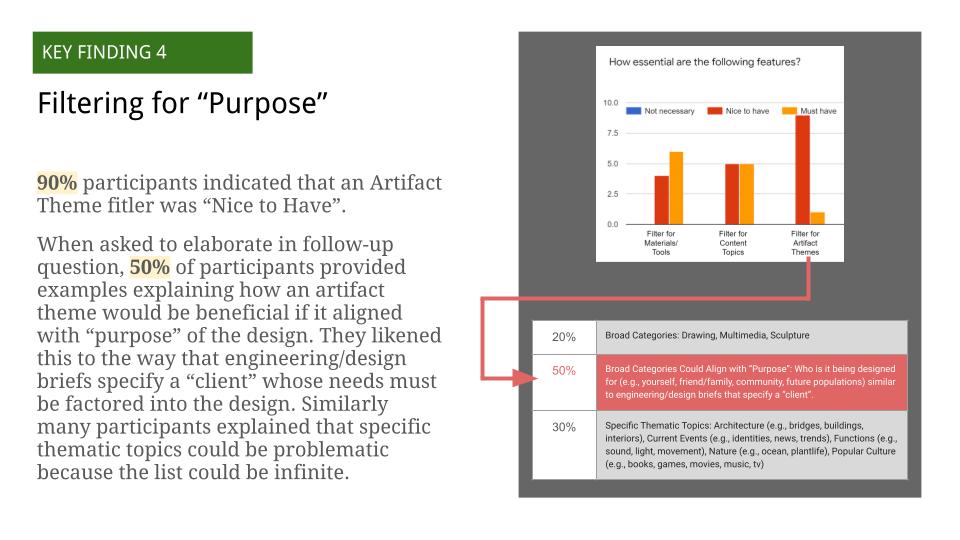
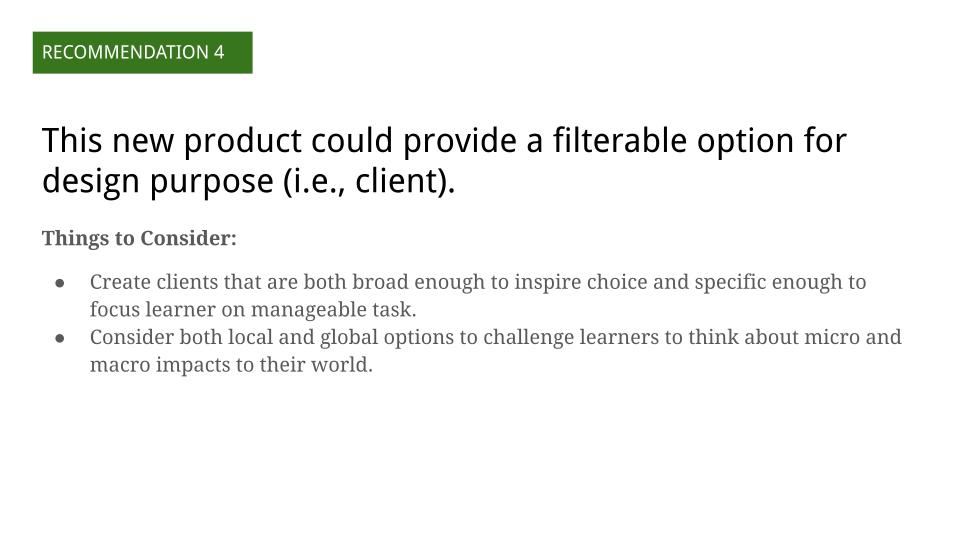
- Educators prefer challenge prompts that make learners consider purpose and design intention.
The complete Exploratory Research Report can be viewed below:

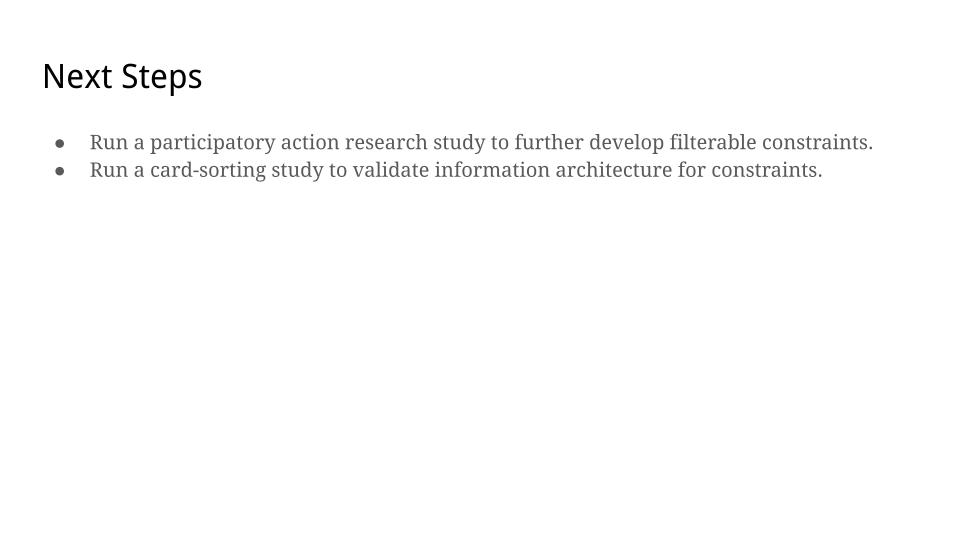
Data and insights from the exploratory research phase were used to ideate features, which were prioritized using a matrix. Sketches were used to evolve the design concept throughout the entire process, using pen/paper and digitally in Miro (see Figure 1).

Usability testing
The exploratory research and sketches were used to develop and test prototypes. Figma was used to create wireframes and clickable prototypes for each iteration. First, a low-fidelity prototype (Wireframe, Clickable Prototype) was tested via Zoom with three participants using moderated usability focused on validation of task flow (see Figure 2). The results indicated:
- 86% success rate with 6/7 tasks being successfully completed.
- 2/3 participants were unsuccessful at completing the final task due to the button being “unnoticeable” and “not intuitive.”
- Open-ended feedback provided helpful suggestions, including “could simplify app name,” “need instructions on homepage,” and “rethink some word choices so younger students can understand, like ‘constraints’ and ‘discipline.’”

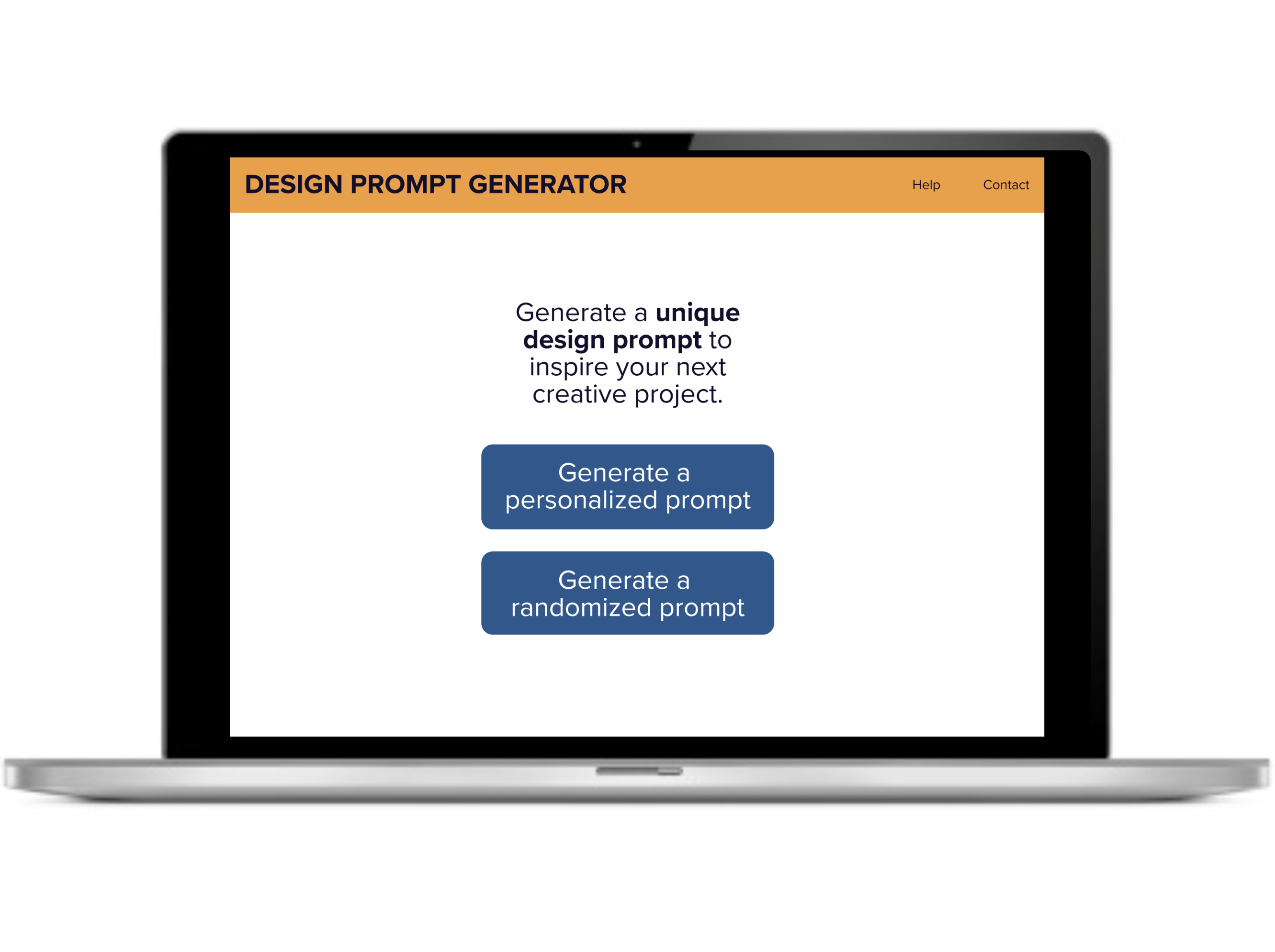
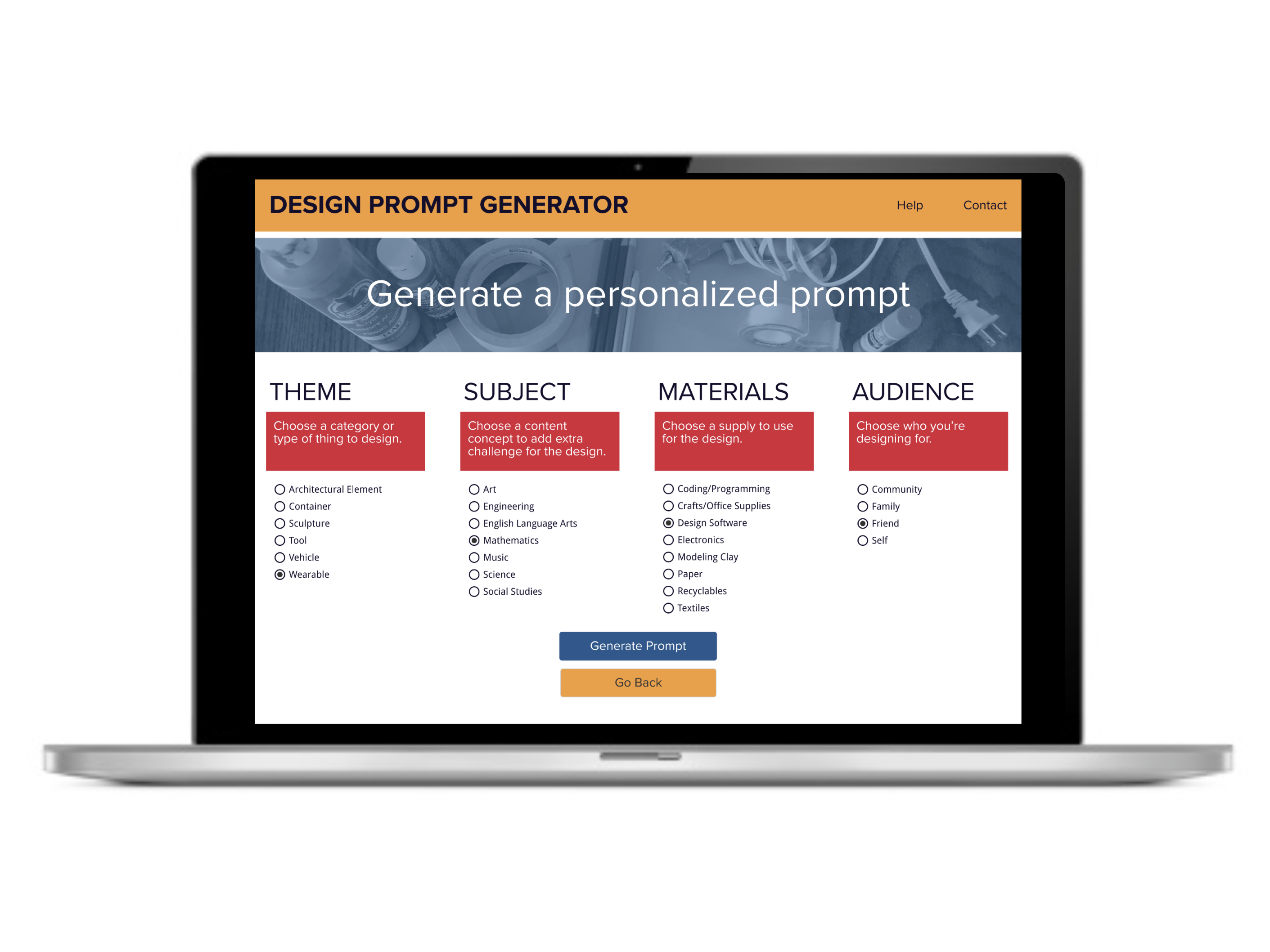
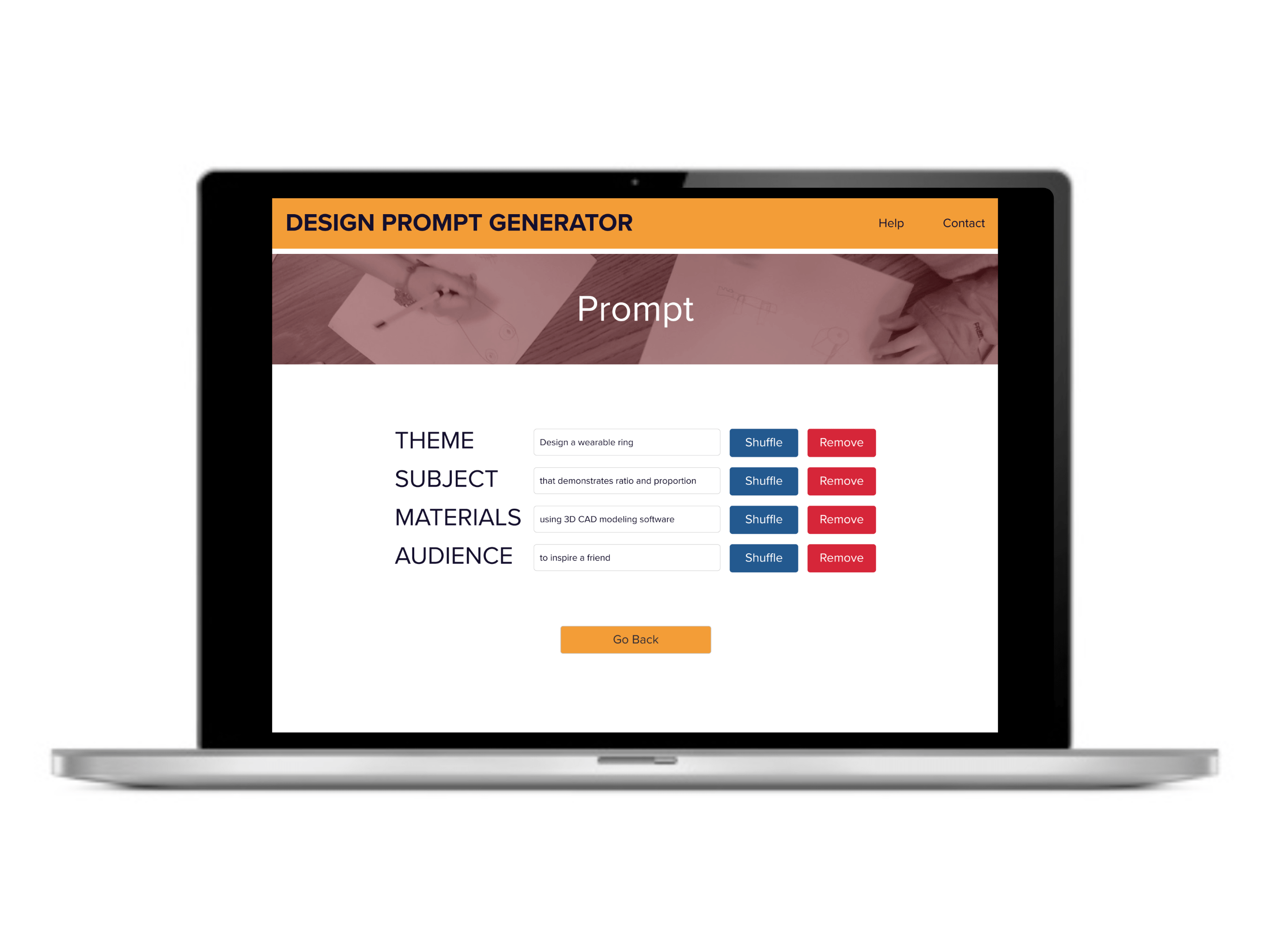
Second, a high-fidelity prototype (Wireframe, Clickable Prototype) was developed in Figma (see Figures 3, 4, and 5) and evaluated according to Web Content Accessibility Guidelines (WCAG). The high-fidelity prototype was tested using unmoderated usability testing with 10 participants using Lookback, which examined participant duration on task and pass/fail for each task. Results indicated:
- 98.57% success rate with only one fail, which the participant was able to self-correct
- 50% of participants spent ≥ 1 minute and 30 seconds to complete the task
Based on the data from the second usability test, I had a 98.57% success rate of meeting the goals and needs of my target user to develop a digital product that easily generates design challenge prompts that educators can use for creative classroom activities. This was a usability increase of 12.5%.
 Shaunna Smith's Portfolio